





Works wherever the shadcn CLI does
Build any kind of site
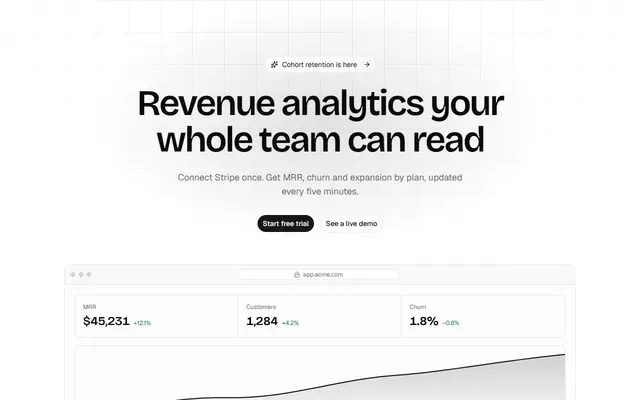
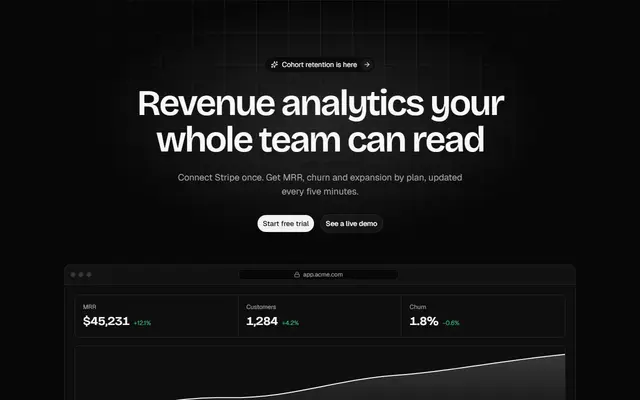
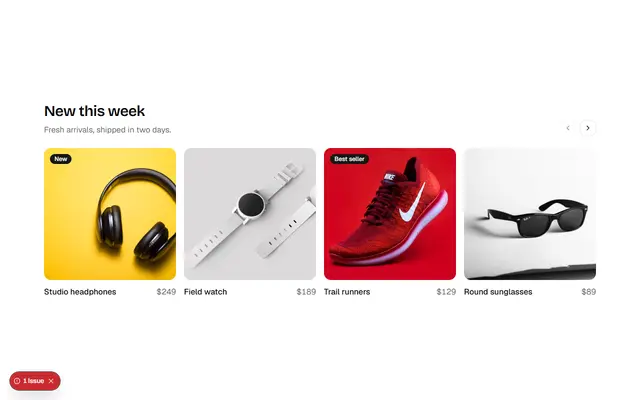
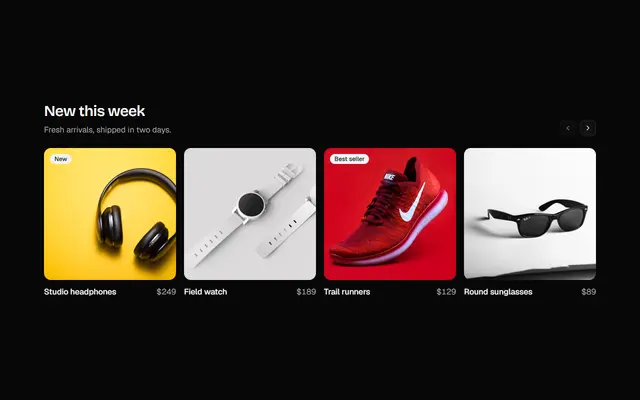
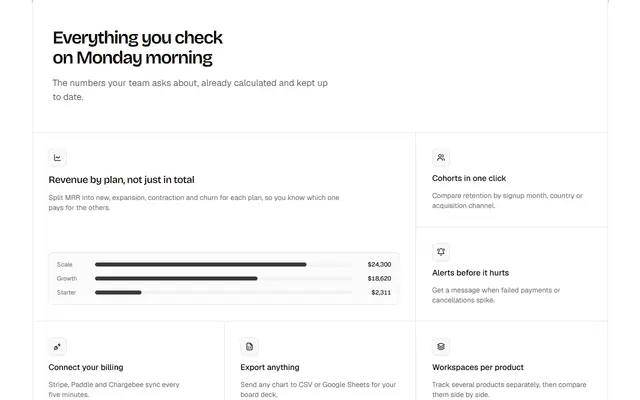
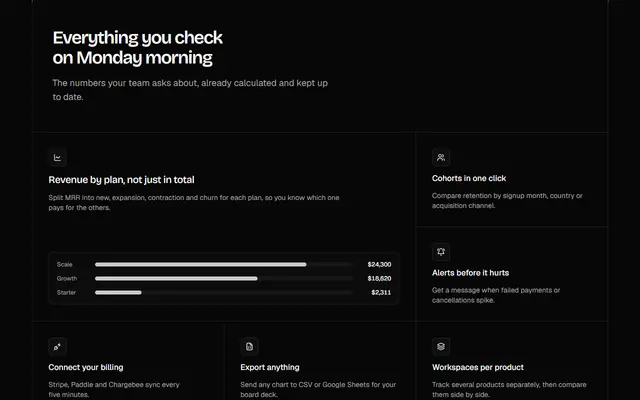
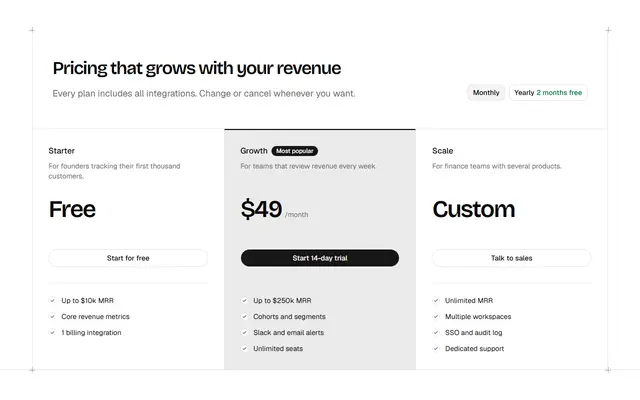
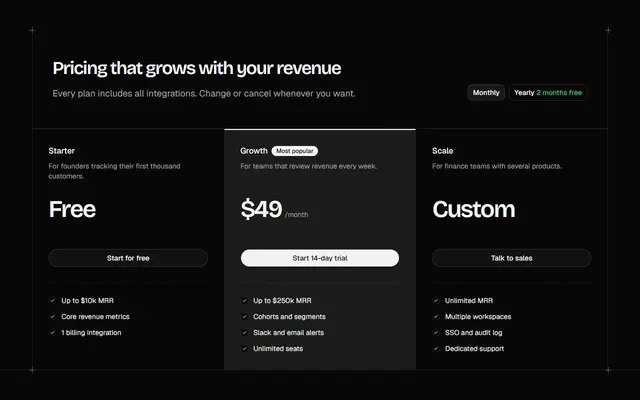
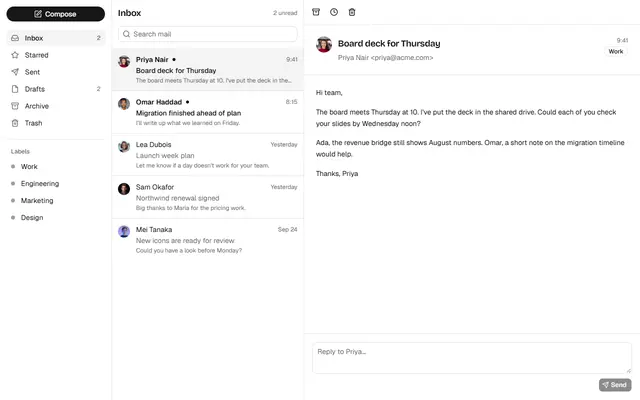
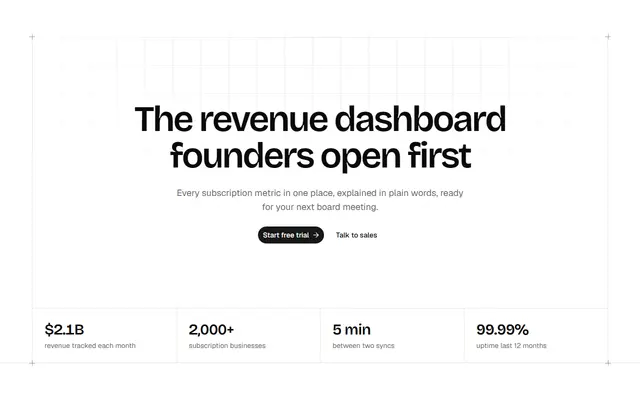
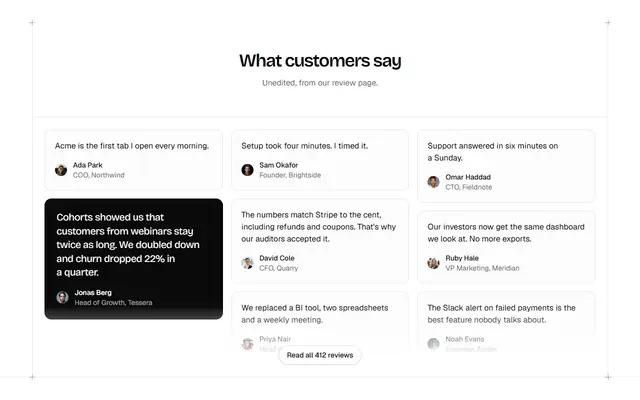
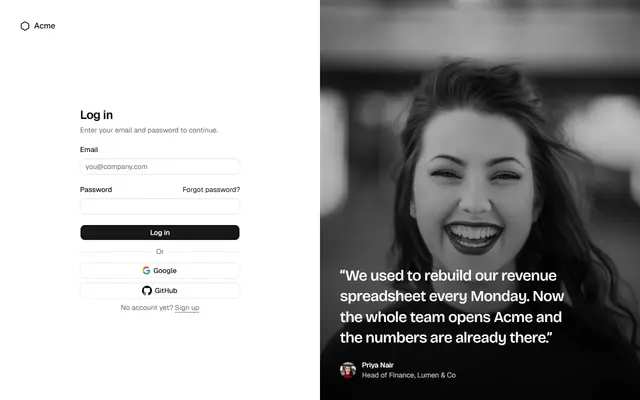
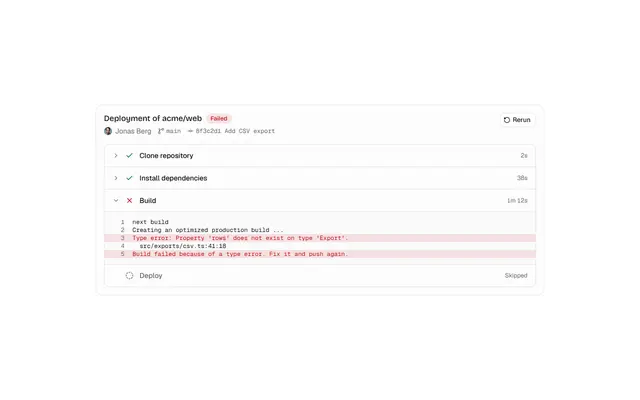
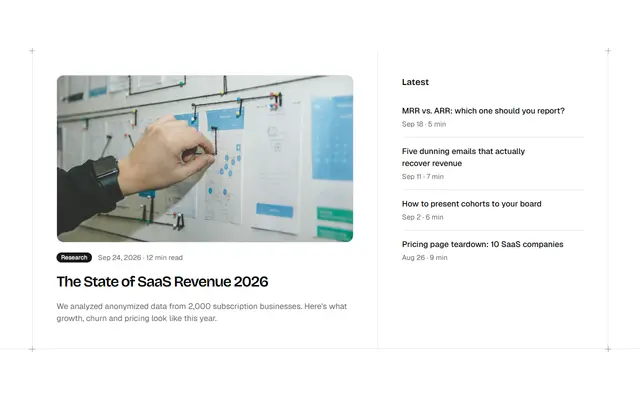
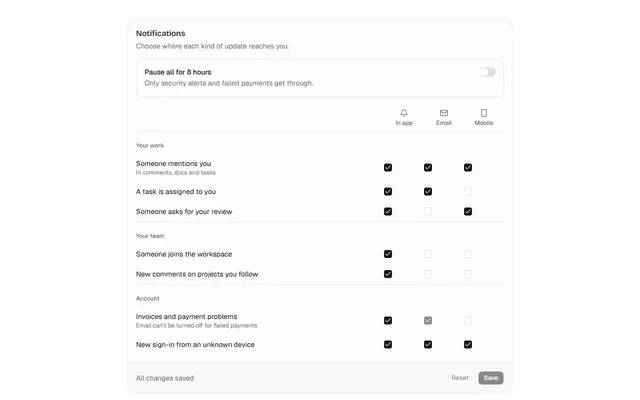
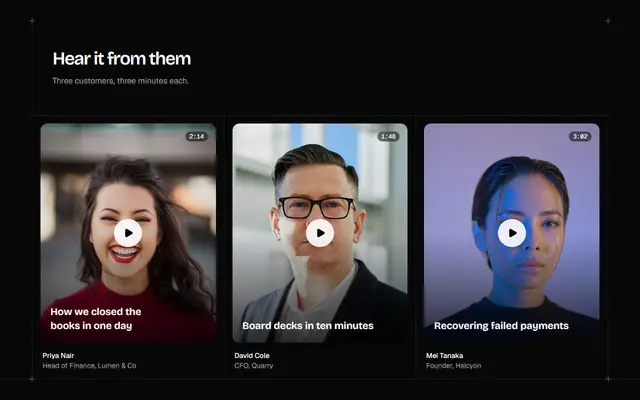
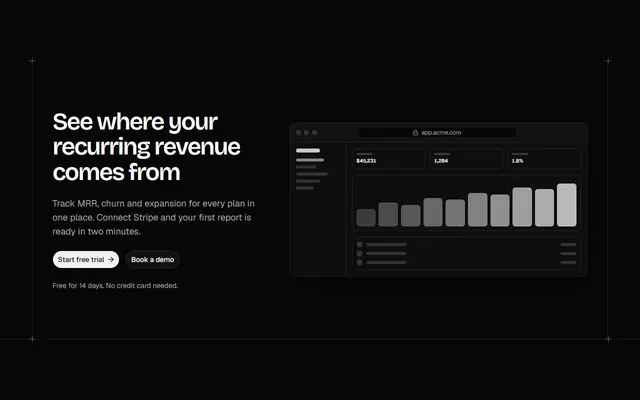
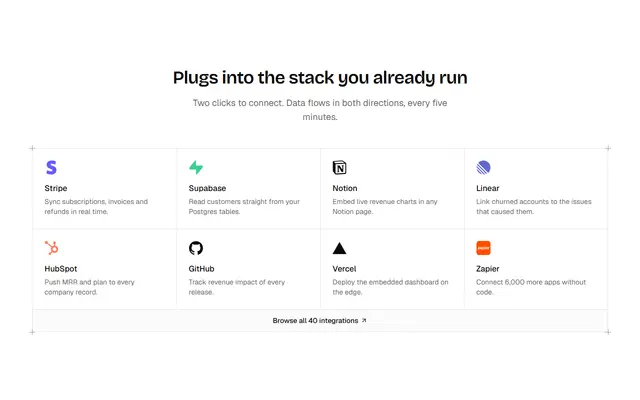
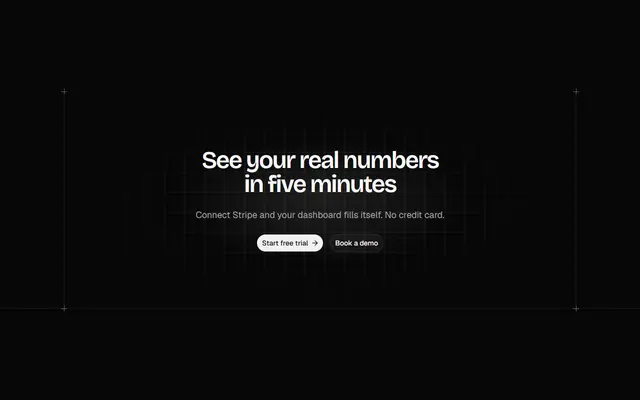
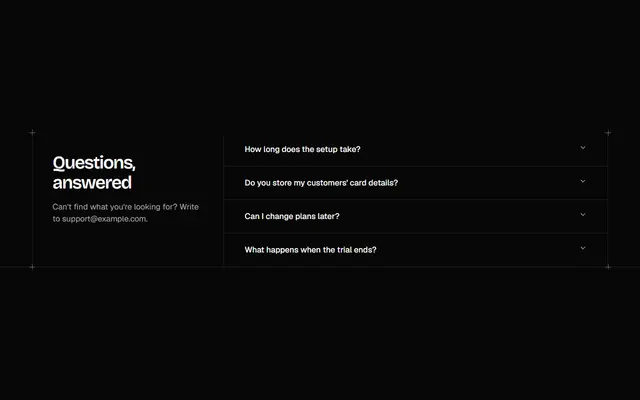
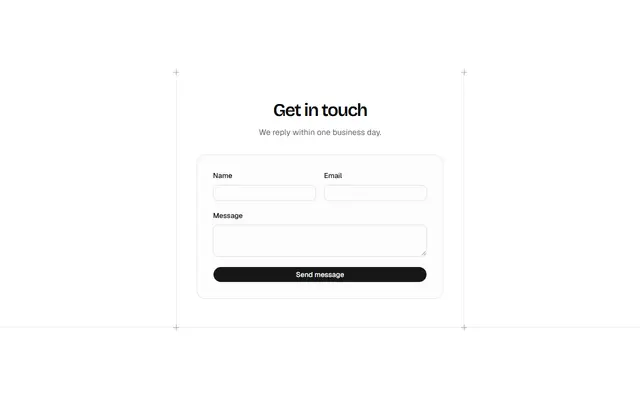
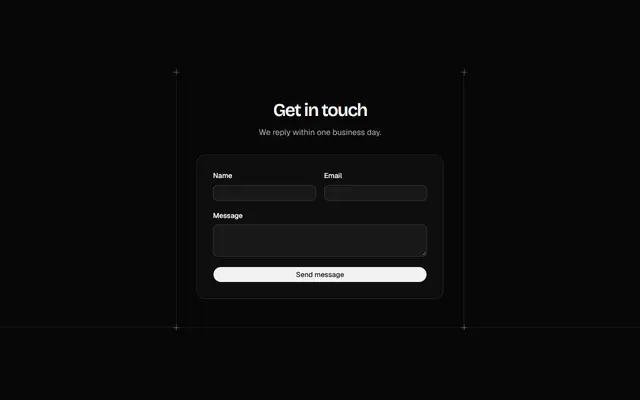
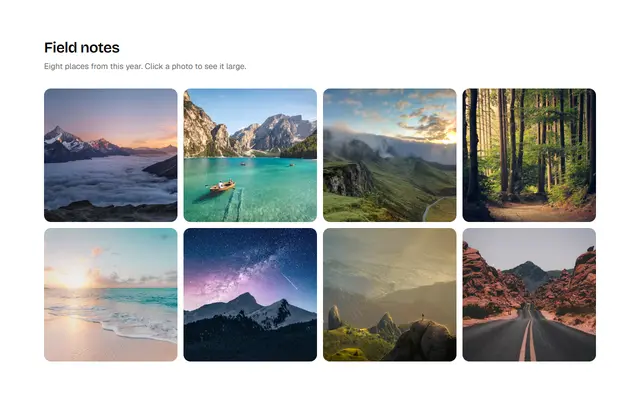
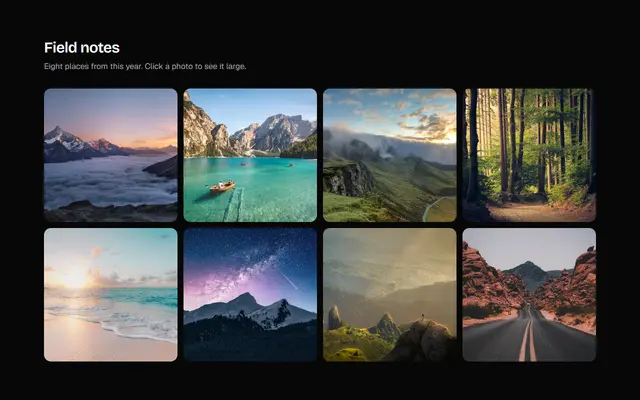
Each page below is live and made only of library blocks. Open it full size, or any of its blocks on its own. For whole apps with live data, see the example apps.
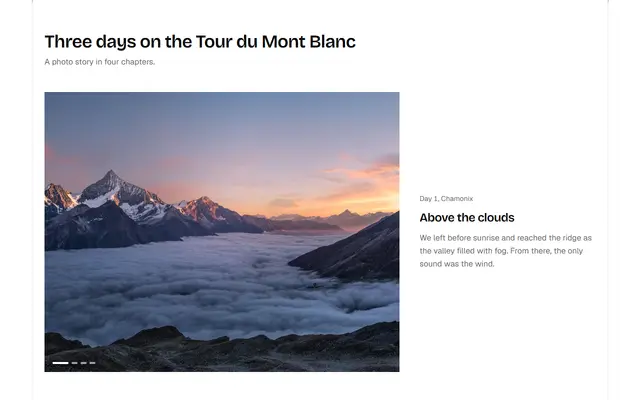
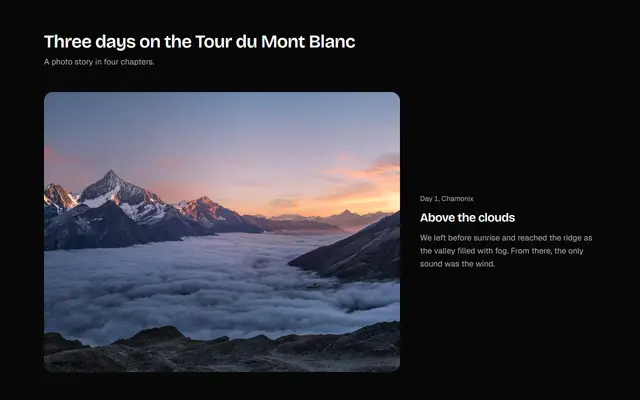
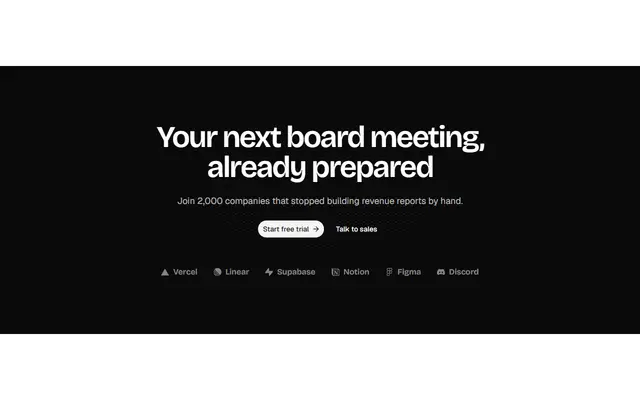
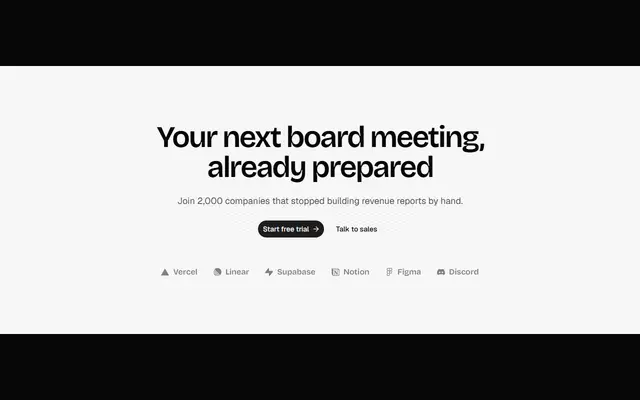
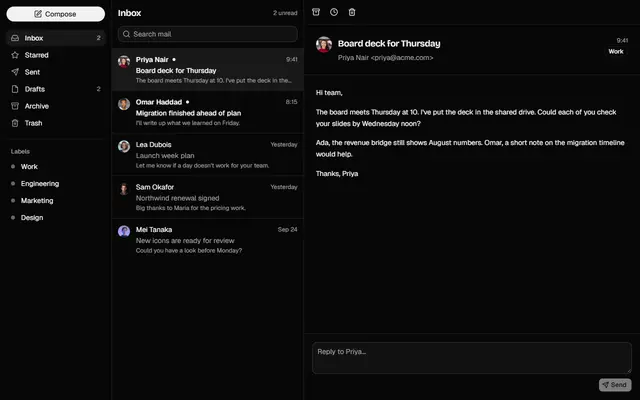
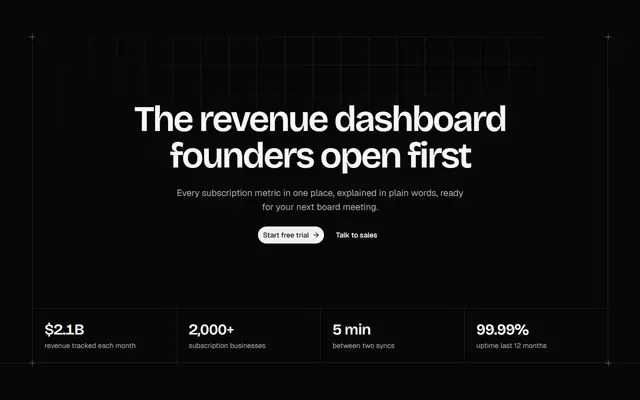
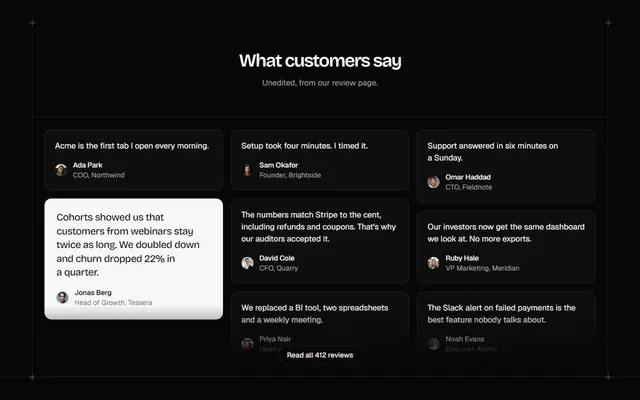
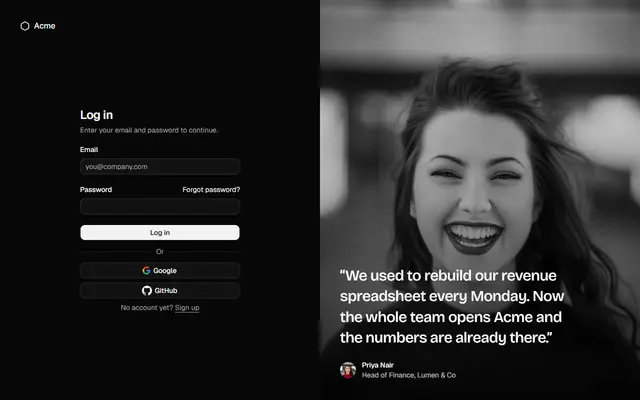
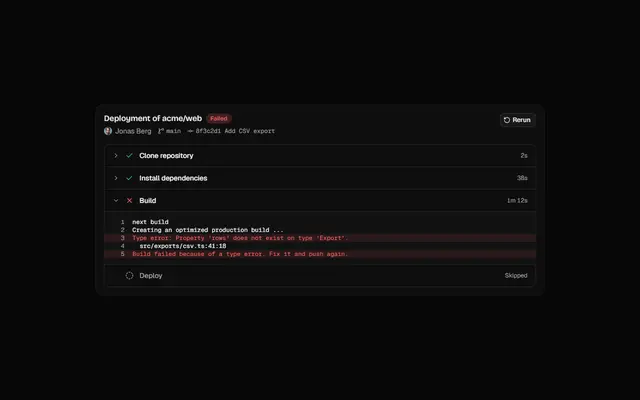
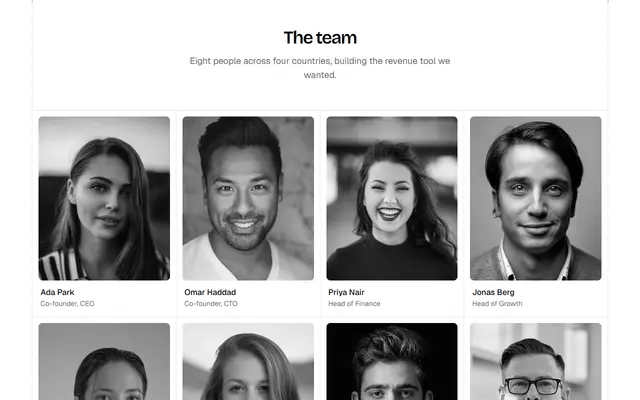
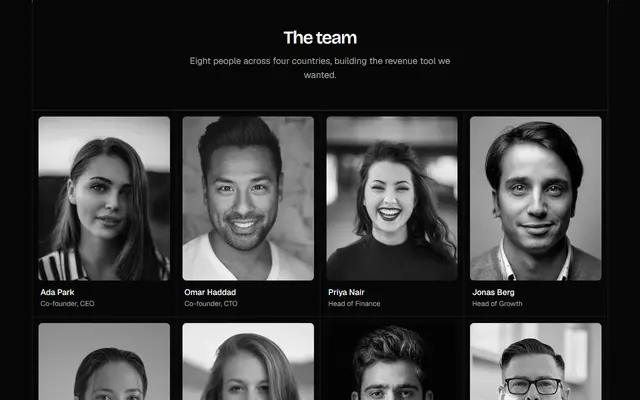
Same blocks. Not the same site.
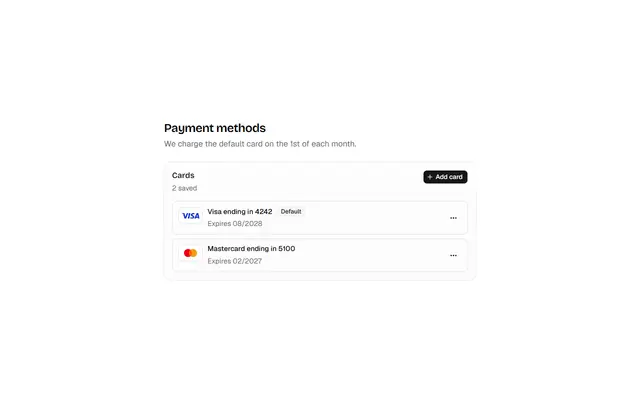
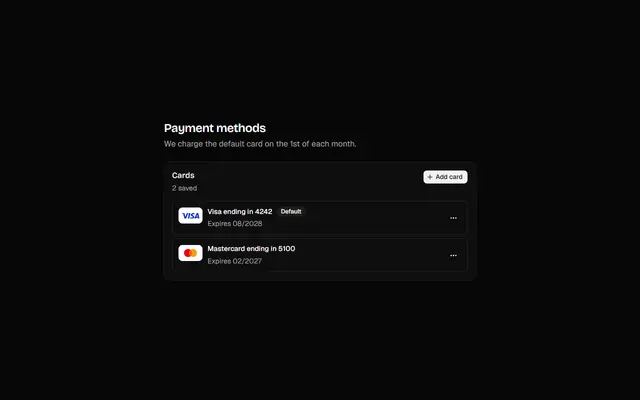
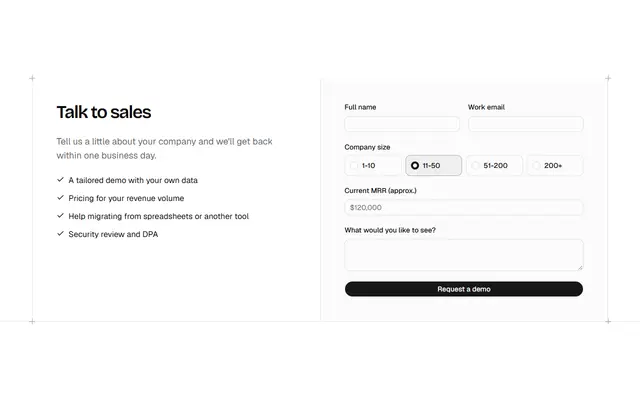
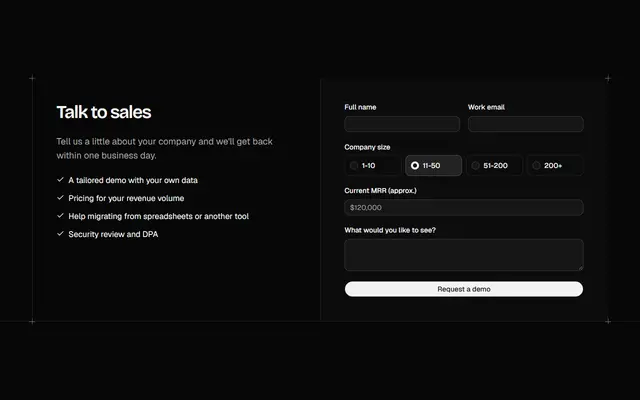
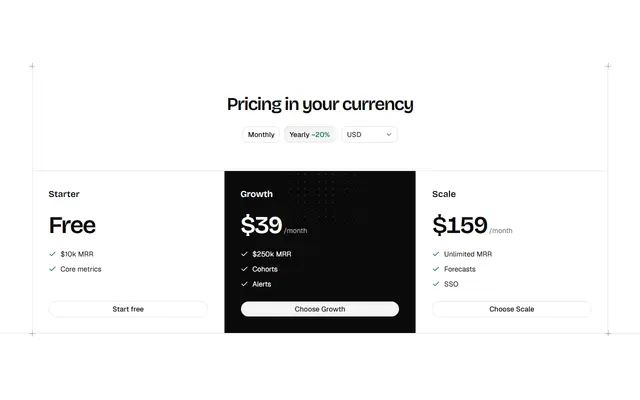
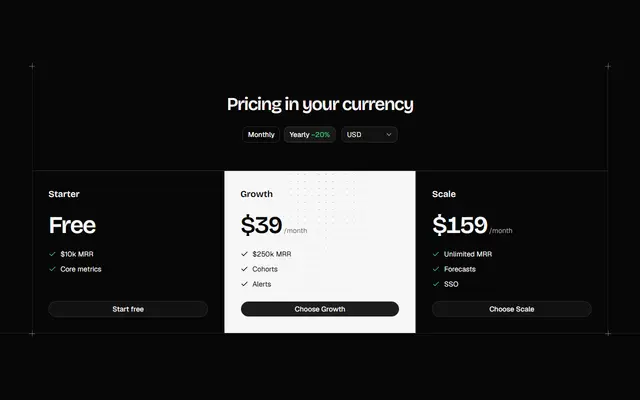
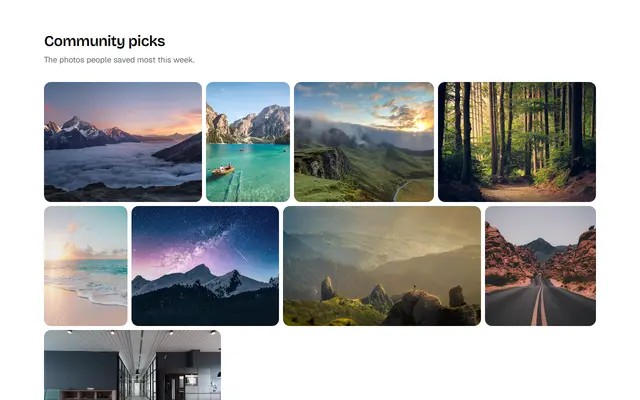
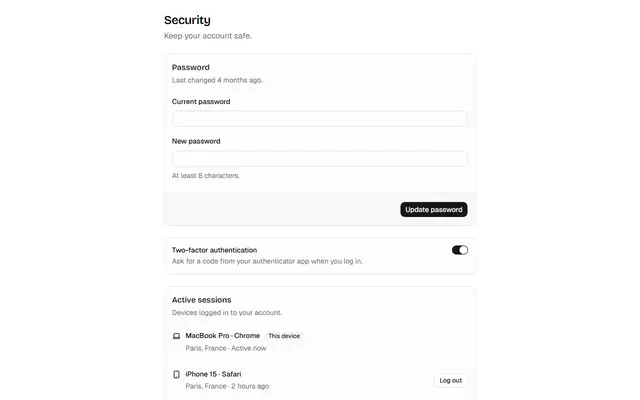
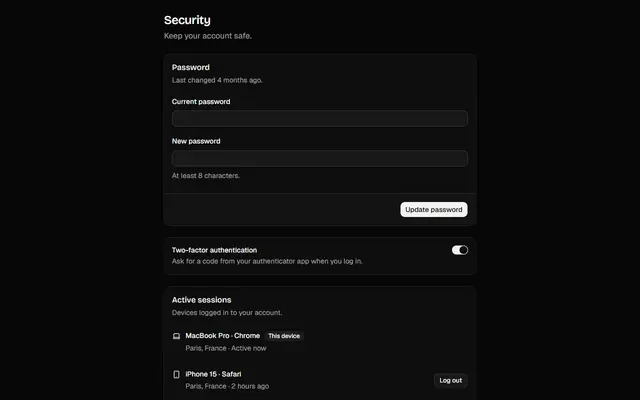
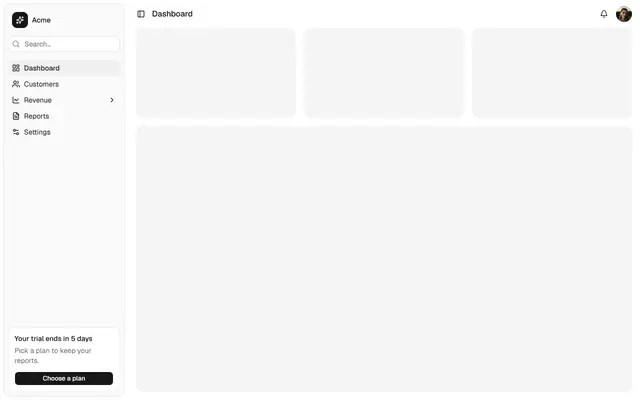
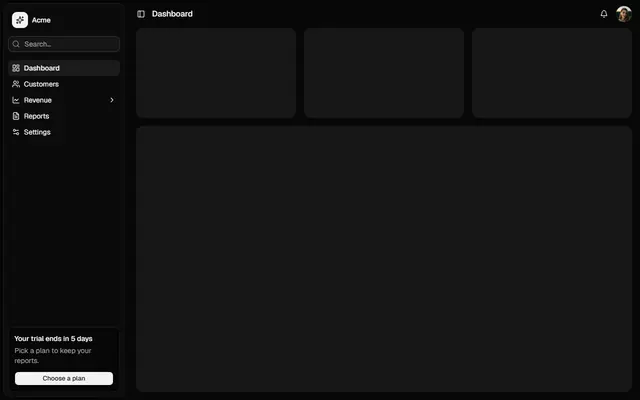
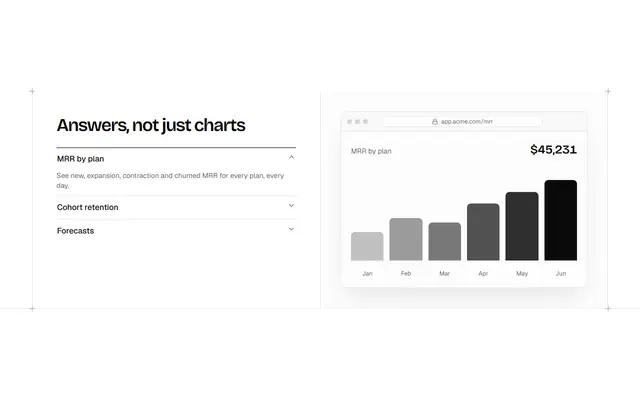
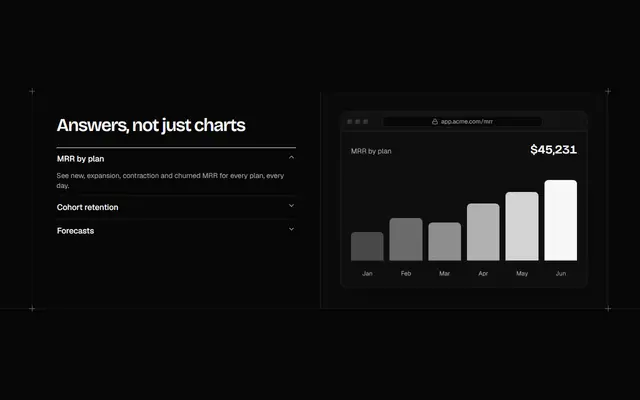
Your theme decides how every box is drawn, not just its colors. Change a few lines of CSS and every block follows, including the ones you add next month.
Start from a category
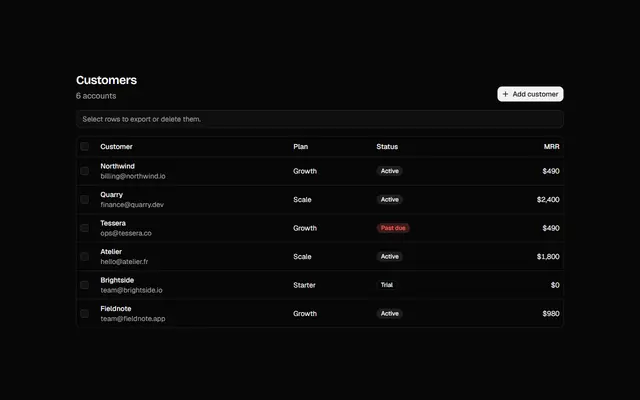
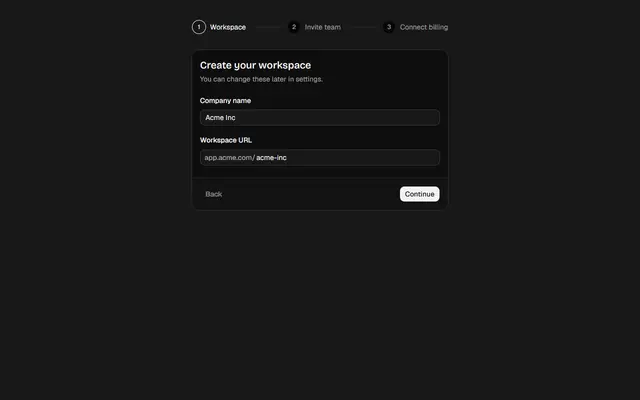
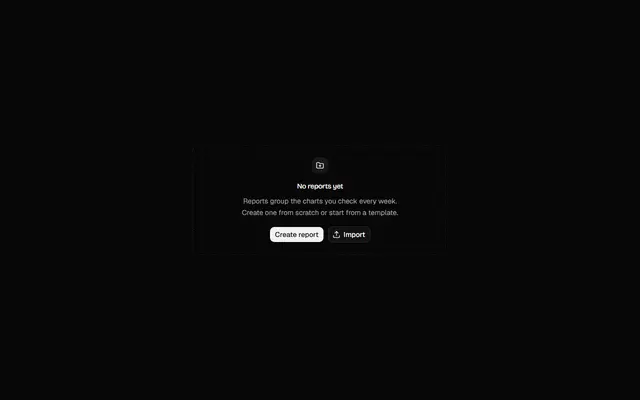
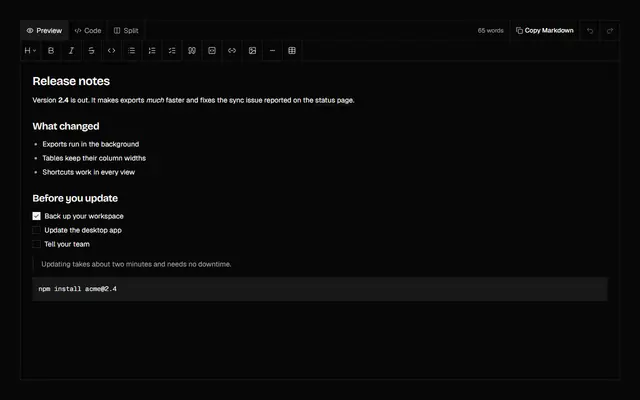
34 categories, from app shells to footers. Each one lists every variant, with a live preview and the code.
App and dashboard · 18
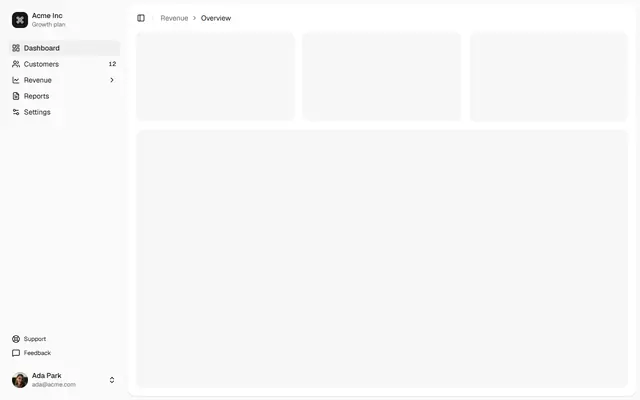
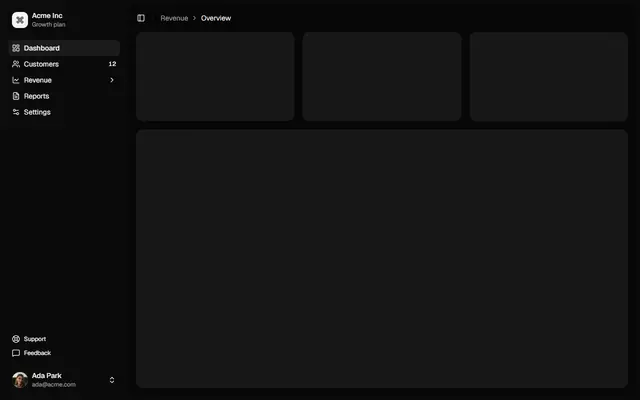
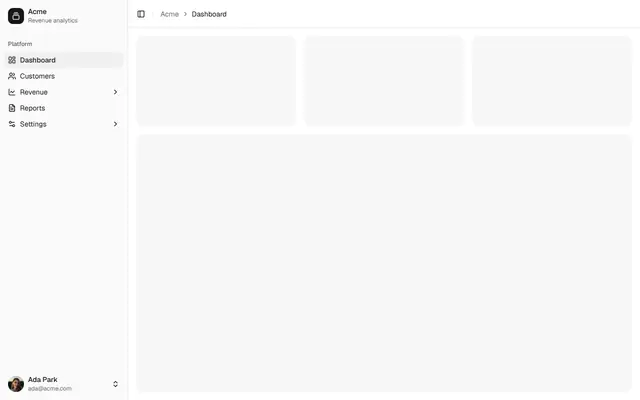
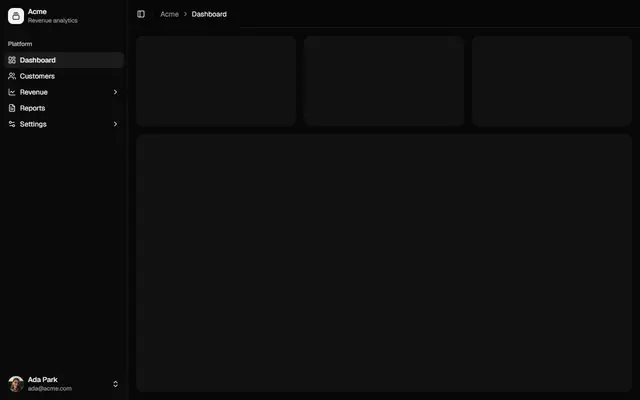
- App shell7 · 7 free
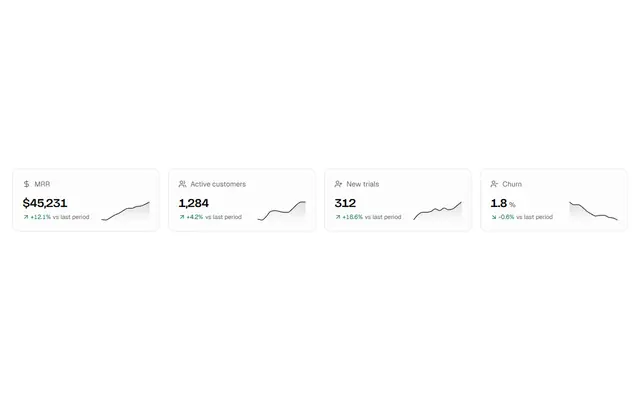
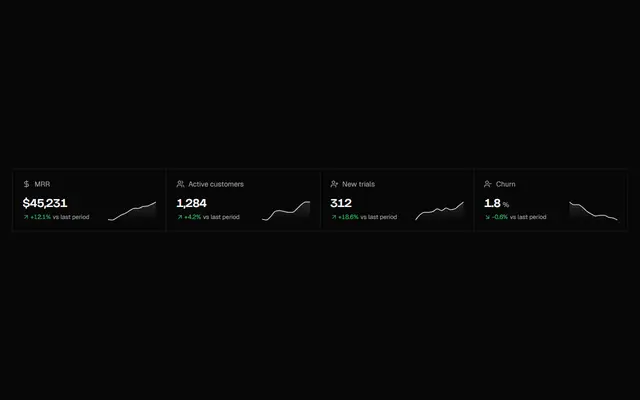
- Stats4 · 4 free
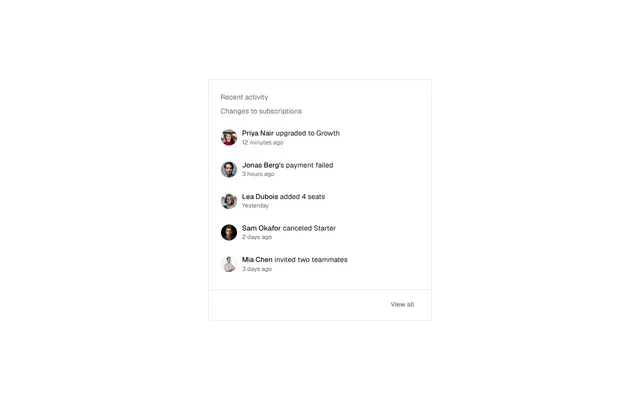
- Activity3 · 3 free
- App pieces5 · 5 free

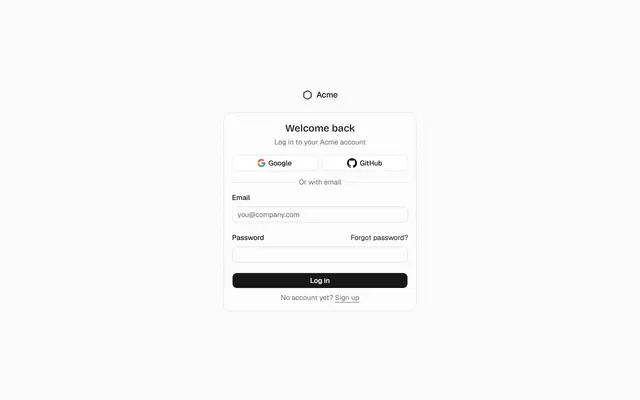
- Authentication10 · 10 free
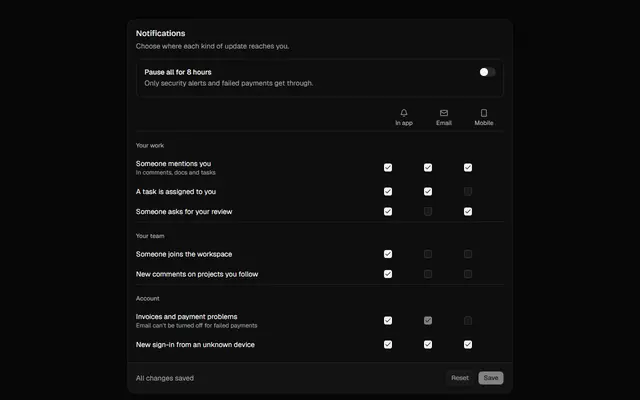
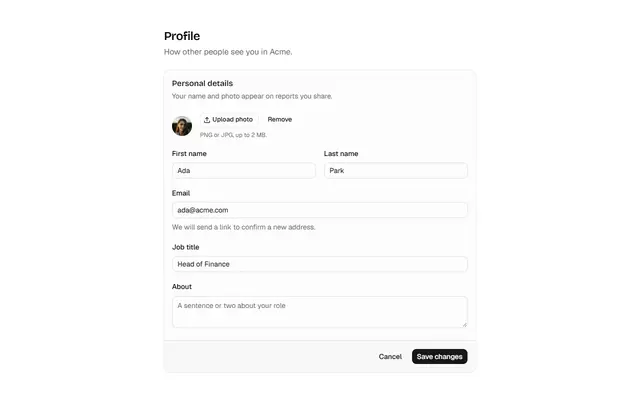
- Settings8 · 8 free
- Billing8 · 8 free
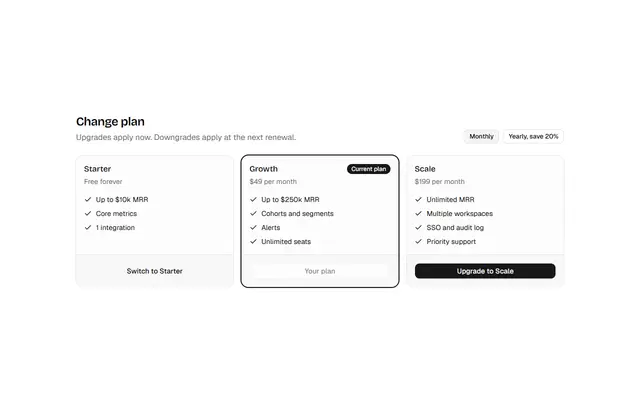
- Tables7 · 7 free
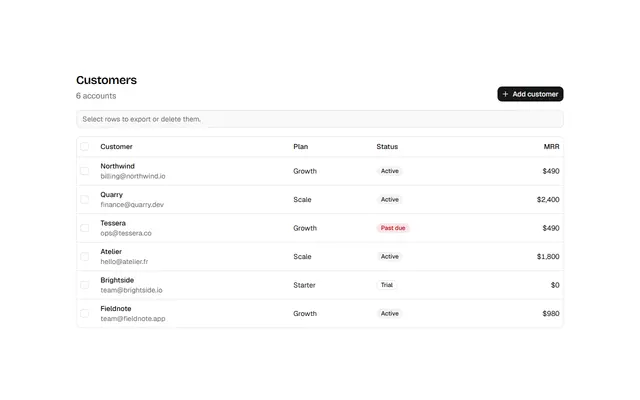
- Onboarding7 · 7 free
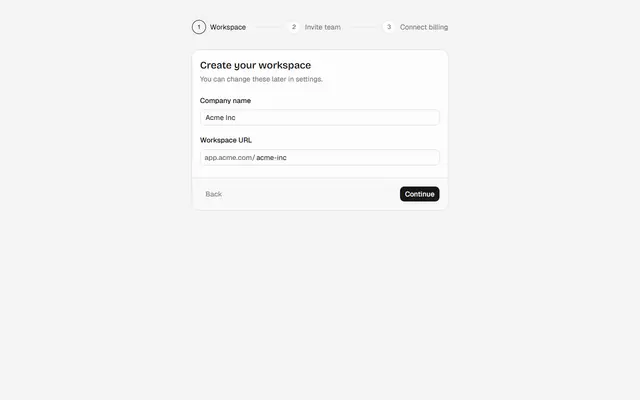
- Empty states8 · 8 free
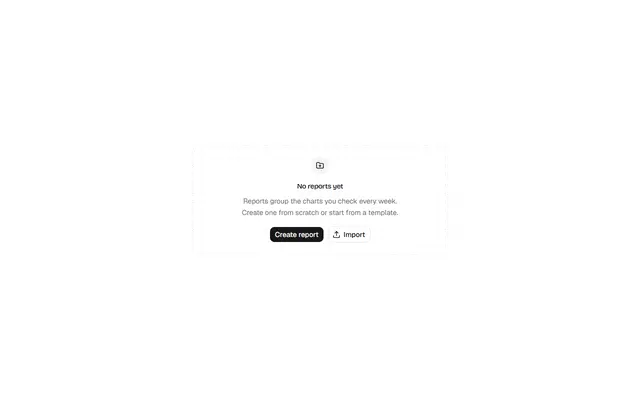
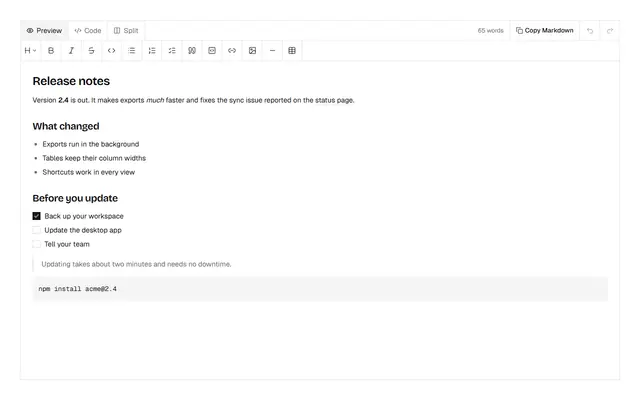
- Editors1 · 1 free
- Flows1 · 0 free

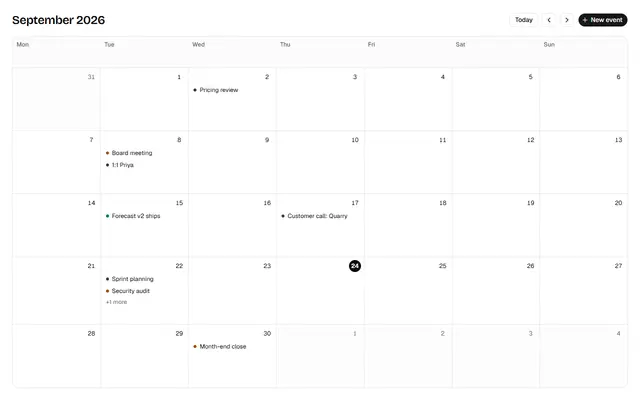
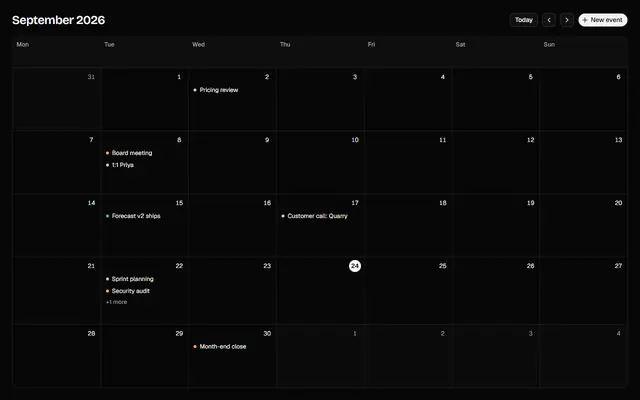
- Calendar6 · 6 free
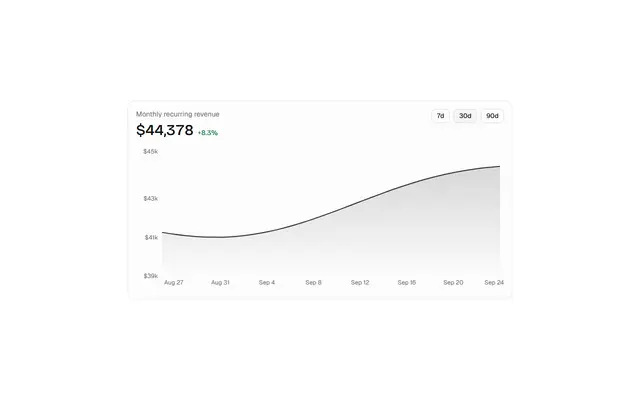
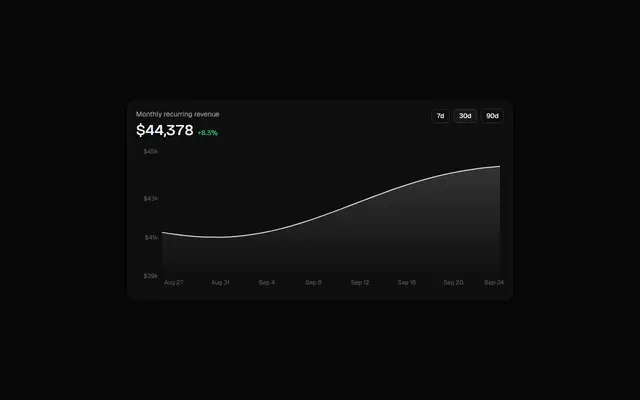
- Charts12 · 9 free
- Inbox1 · 1 free
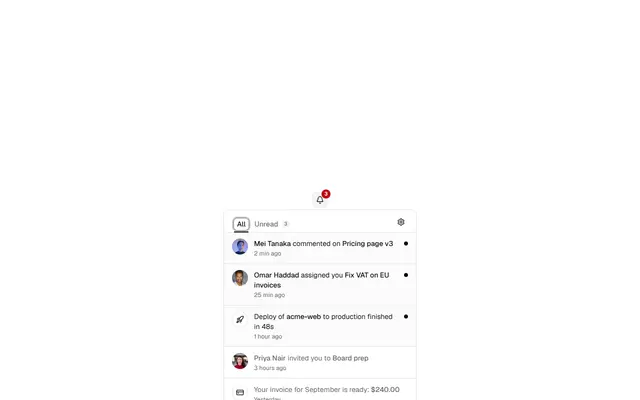
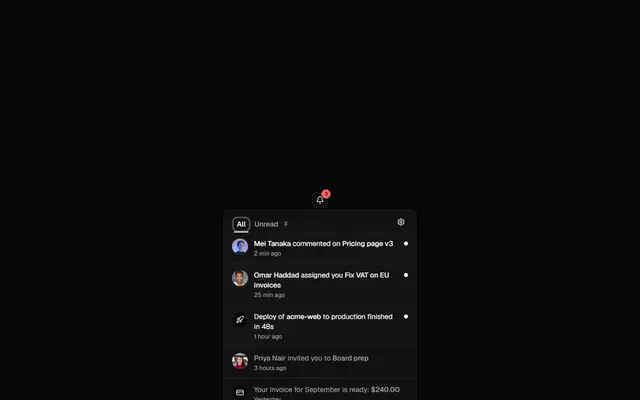
- Notifications6 · 6 free
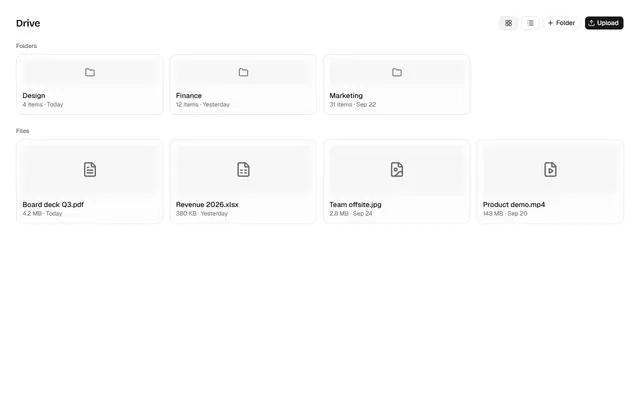
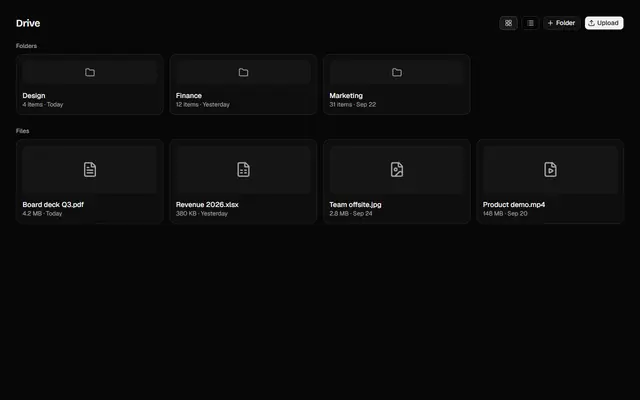
- Files6 · 6 free
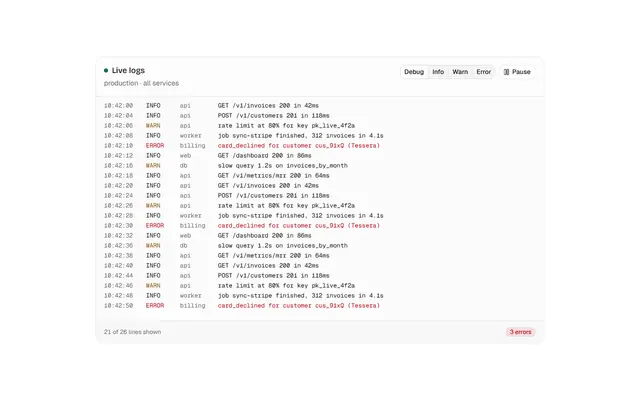
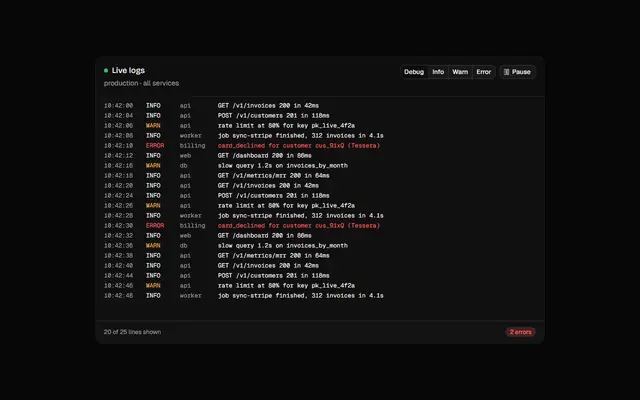
- Logs7 · 7 free
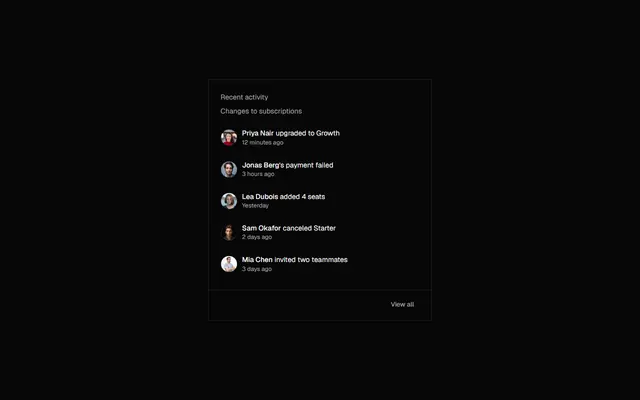

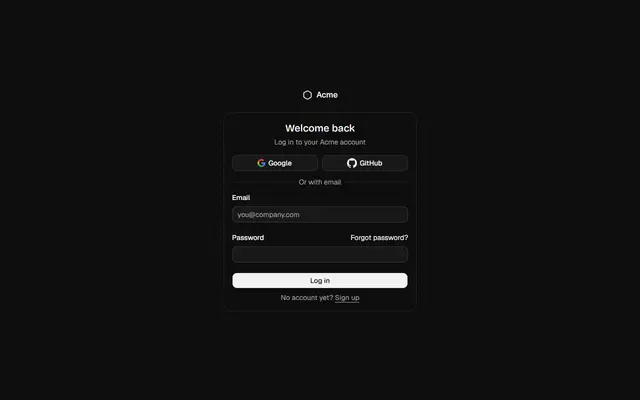
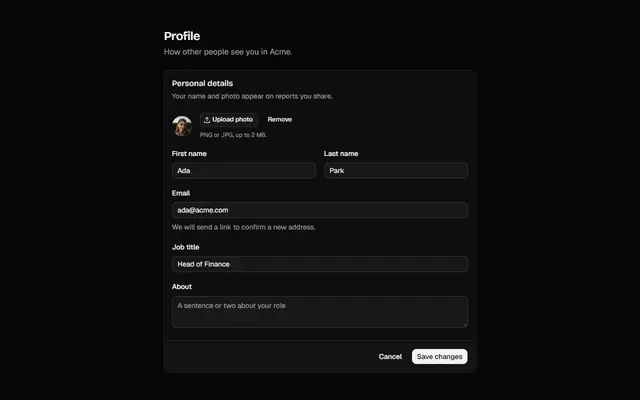
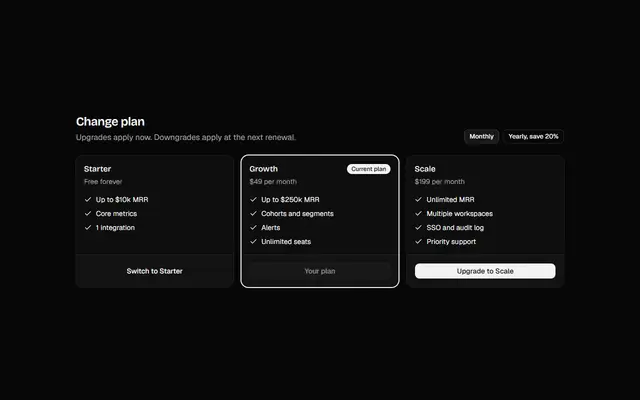

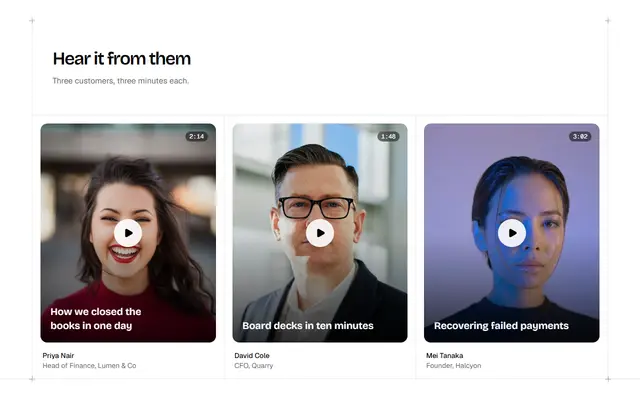
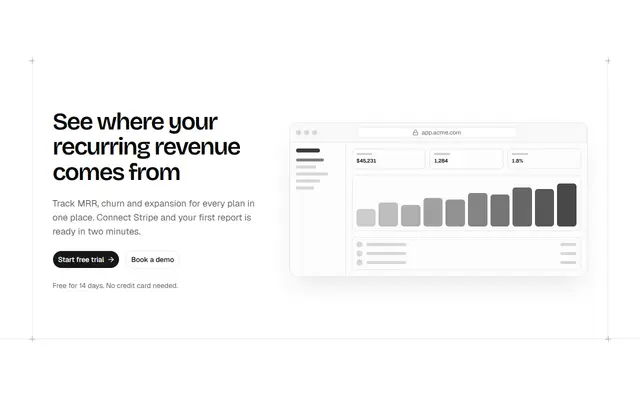
Marketing and websites · 16


Your agent already knows how to use it
Connect the MCP server once. Your agent searches the blocks, reads their code, installs them with the CLI and tells you when a block you use has an update.
Add a pricing section with a yearly toggle, and a FAQ under it.
search_items{ category: "pricing" }
- pricing-01 · Three plans with toggle · free
- pricing-06 · Plans and enterprise · Pro
search_items{ category: "faq" }
- faq-01 · Heading and accordion · free
get_item{ name: "pricing-01" }
- Three plans with toggle (free, version 1.4.16) · Three plans with a monthly and yearly switch.
Bashnpx shadcn@latest add @lib/pricing-01 @lib/faq-01
- ✔ Added 2 blocks and what they need
Added Pricing 01 and FAQ 01. They use your theme tokens, so they already match the page. Pro also has Pricing 06 (Plans and enterprise). Want its preview to compare?
hero-02pricing-01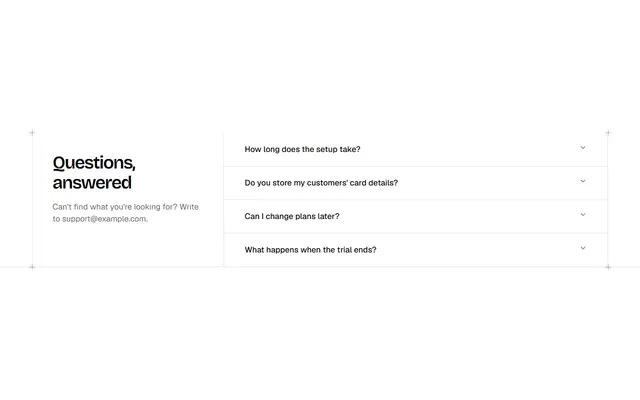 faq-01
Code you own, in the style you already use
Every item is a plain React file built from the shadcn/ui components you know. No package to update, nothing hidden.
Start free. Pay once for everything.
Start with one block. Keep the whole site.
Set up the registry in a minute, then add sections and screens as you need them.