AI products with a chat, a workspace and a way to pay
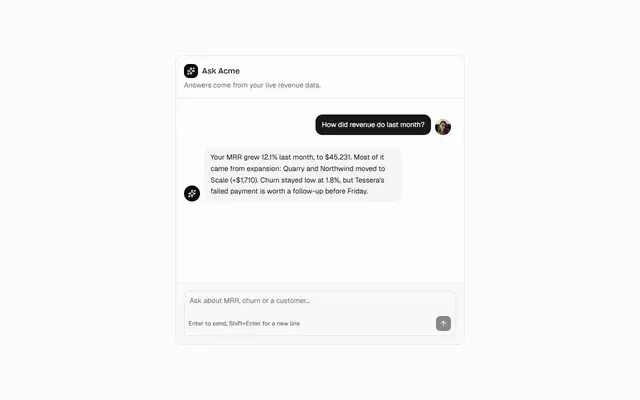
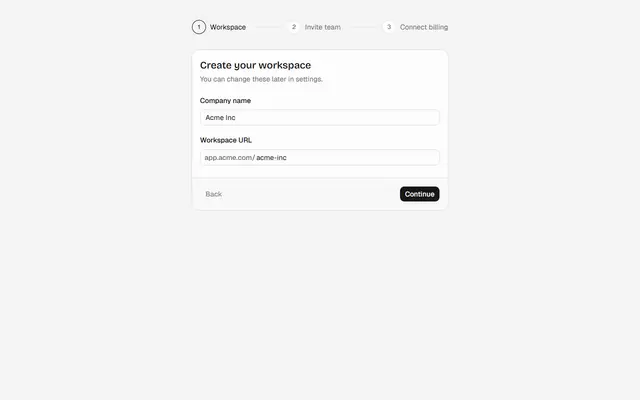
Streaming chat, tool calls, attachments and usage-based billing, with the onboarding and settings around them.
The categories you will use
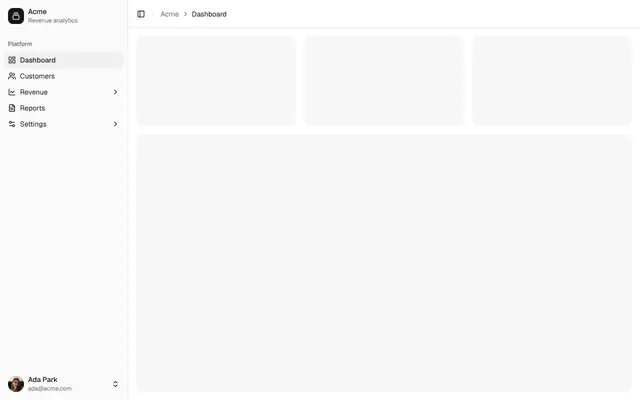
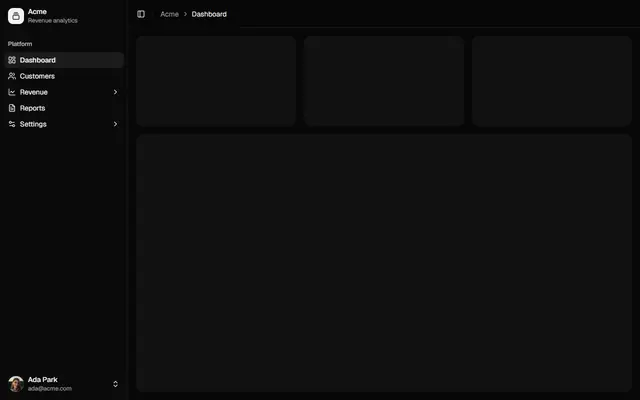
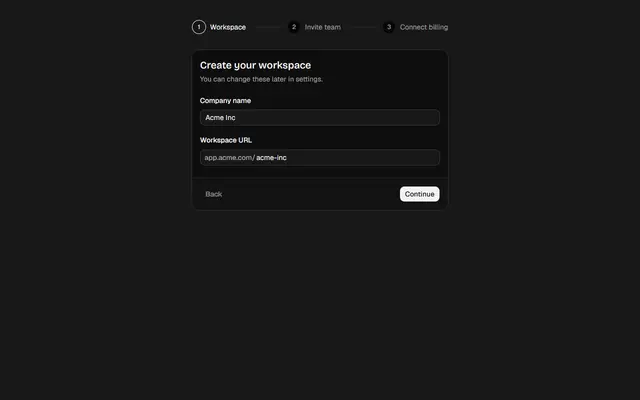
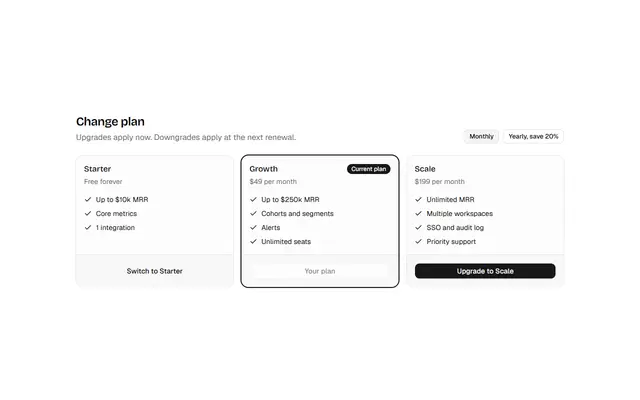
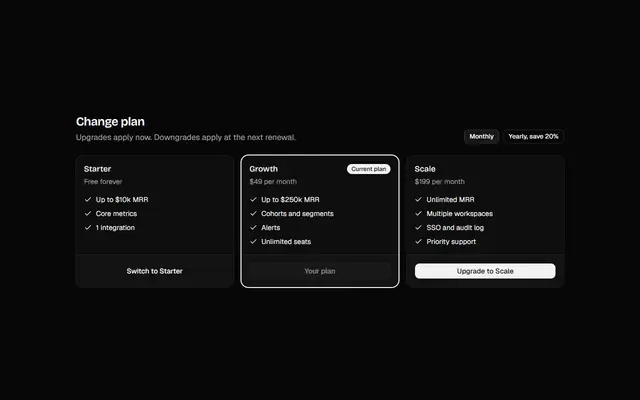
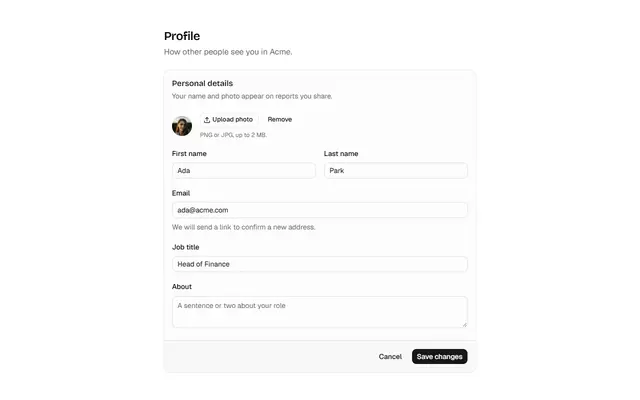
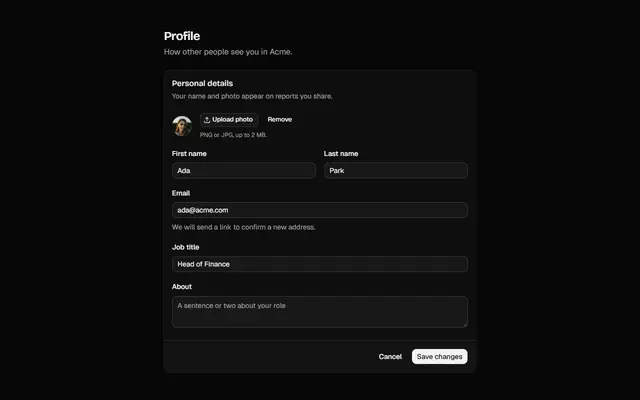
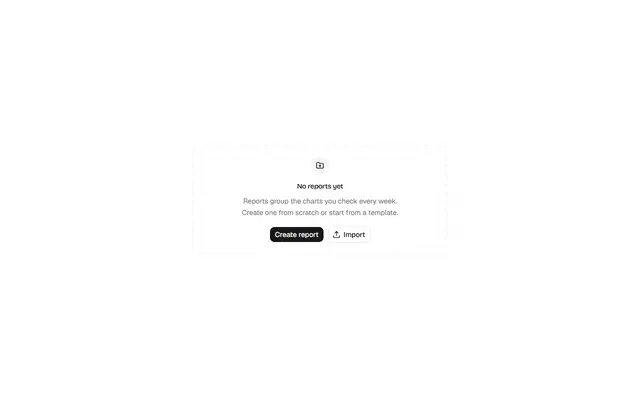
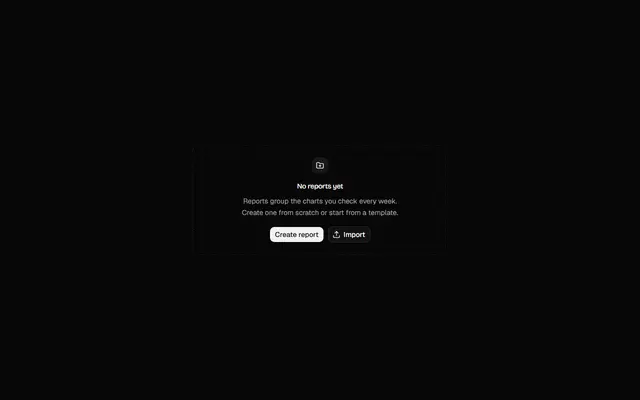
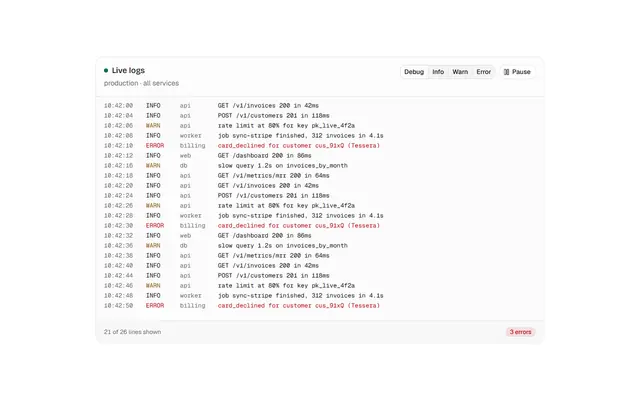
A free block to start each part
Open one to see it live, read its code and copy the install command.

Install a starting point
After adding the registry, one command puts these blocks in your project.
npx shadcn@latest add @lib/ai-chat-01 @lib/app-shell-01 @lib/onboarding-01 @lib/billing-01 @lib/settings-01Or ask your agent
With the MCP server connected, describe what you are making:
“Use the @lib blocks for my AI apps: ai chat, app shell, onboarding, billing, in my theme.”